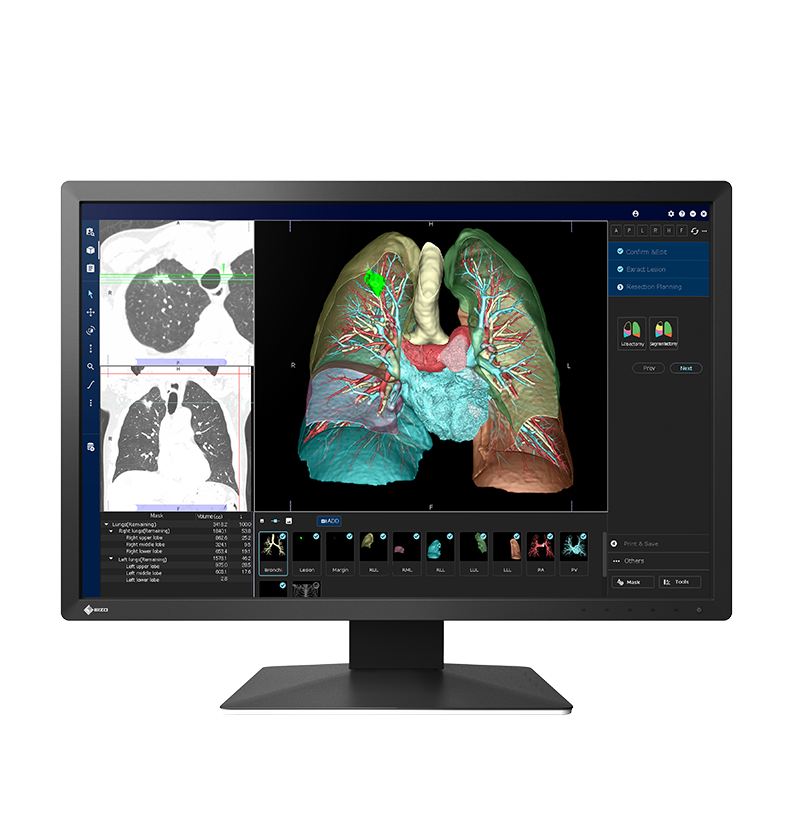
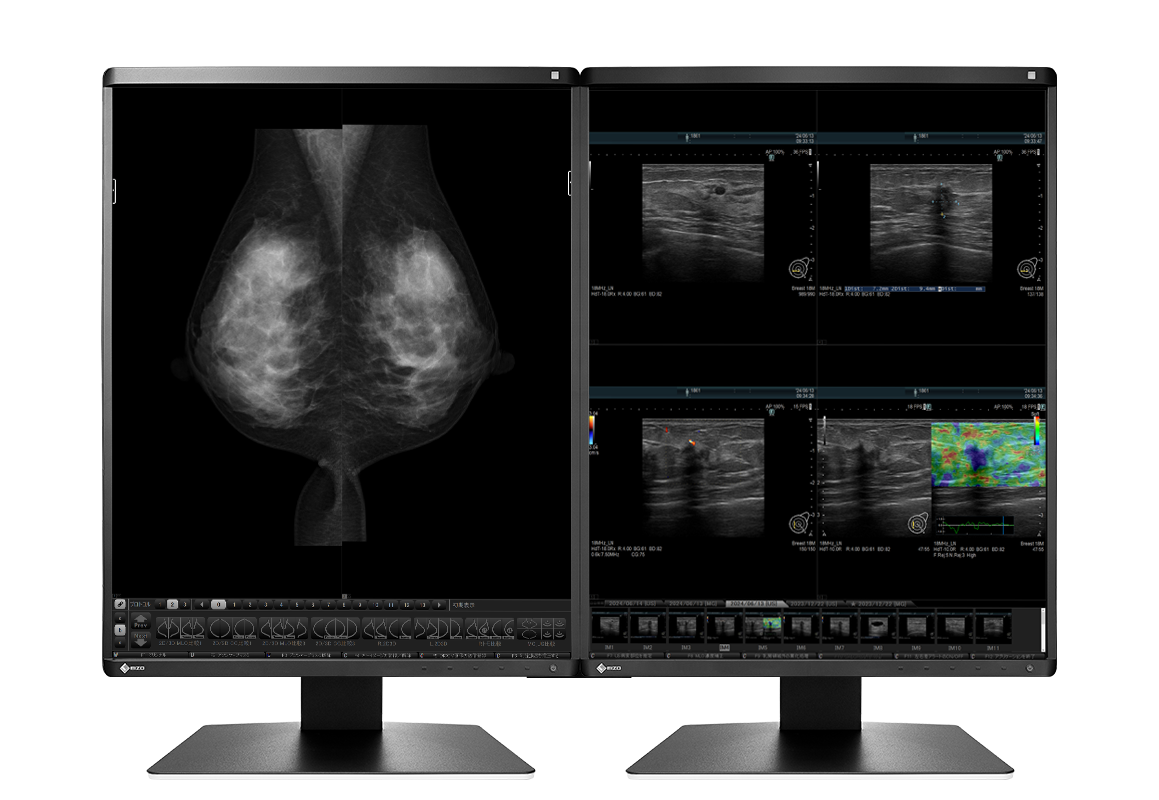
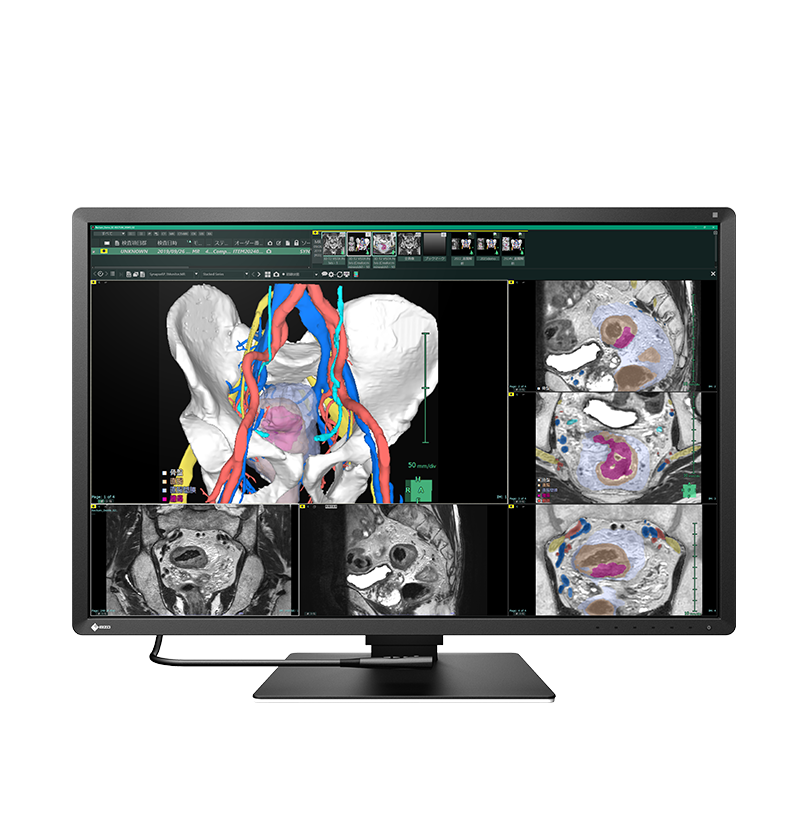
Trucell service and solution pages related to this reference customer
Clinical imaging
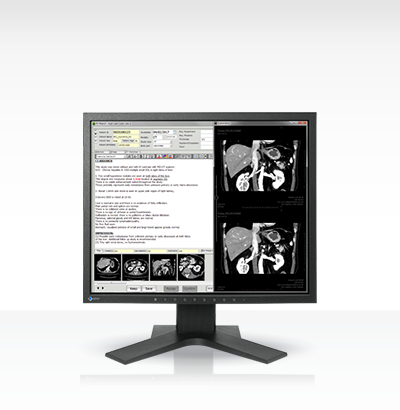
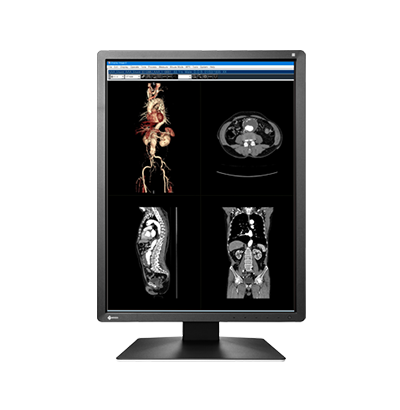
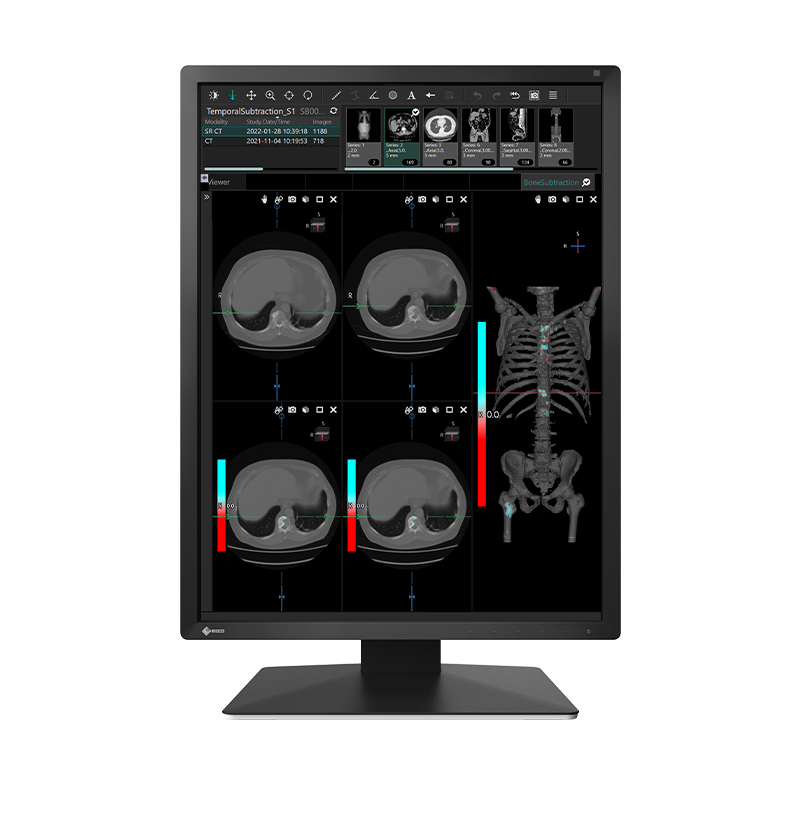
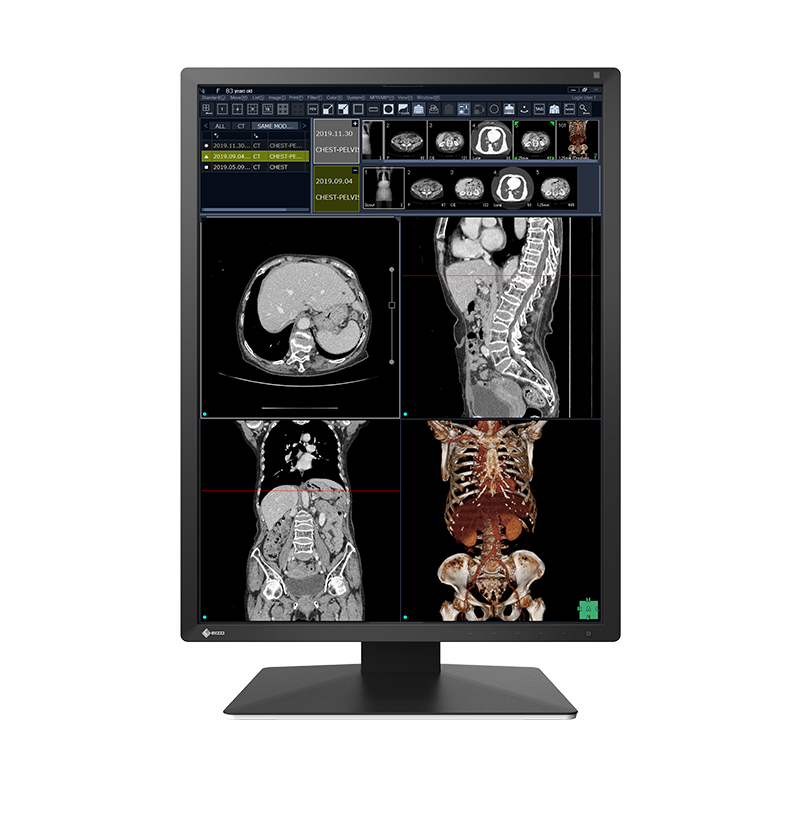
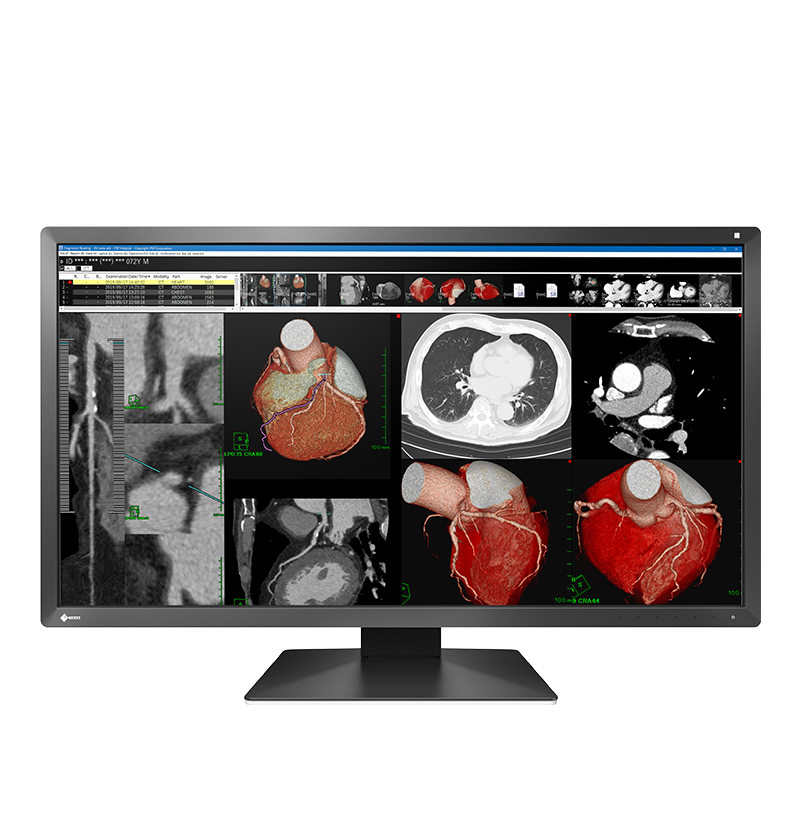
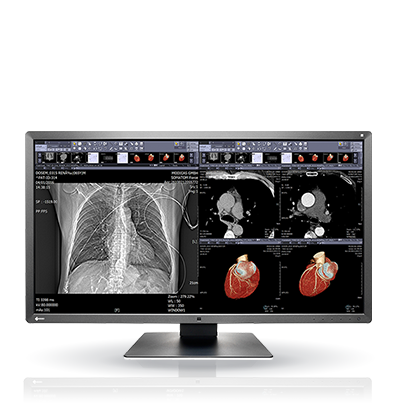
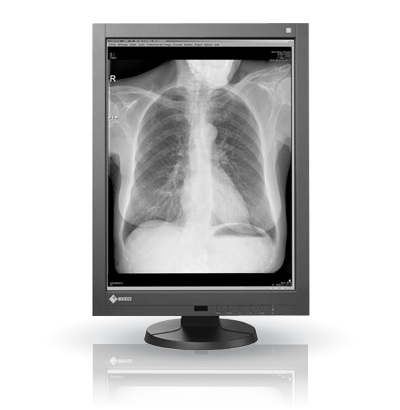
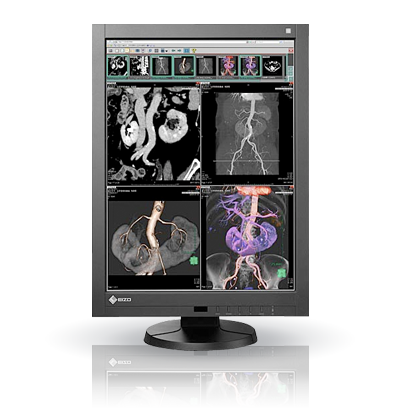
Room matched diagnostic displays for Australian healthcare
If you are balancing diagnostic confidence, procurement constraints, and deployment risk, we help you specify the right monitor class for each room. New supply is through LG Medical Solutions, with coverage, stock, partner pricing, and NSW Health Standing Offer support where applicable. For existing EIZO RadiForce and Barco estates, we provide environment support and lifecycle planning, then map new requirements to an available LG alternative.
Medical display environments we have delivered and supported
Organisations where Trucell has delivered LG medical displays or supported existing EIZO medical display environments, shown when we have permission and a documented delivery or support record. Trucell does not sell new EIZO displays. Listing is not an endorsement.
This row scrolls horizontally. Tab through links in order. With reduced motion enabled, scroll the row yourself instead of auto-play.
- NSW Health (opens in new tab) Public healthcare AustraliaSolutions
- SA Health (opens in new tab) Public healthcare Australia
Trucell service and solution pages related to this reference customer
Solutions - Gold Coast Health (opens in new tab) Public healthcare Australia
Trucell service and solution pages related to this reference customer
Solutions - Department of Health (WA Health) (opens in new tab) Public healthcare Australia
Trucell service and solution pages related to this reference customer
Solutions - Monash Health (opens in new tab) Healthcare Australia
Trucell service and solution pages related to this reference customer
Solutions - St Vincent's Health Australia (opens in new tab) Healthcare Australia
Trucell service and solution pages related to this reference customer
Solutions - Epworth HealthCare (opens in new tab) Healthcare Australia
Trucell service and solution pages related to this reference customer
Solutions - I-MED Radiology (opens in new tab) Medical imaging Australia
Trucell service and solution pages related to this reference customer
Solutions - Quantum Radiology Group (opens in new tab) Medical imaging Australia
Trucell service and solution pages related to this reference customer
Services - Capital Radiology (opens in new tab) Medical imaging Australia
Trucell service and solution pages related to this reference customer
Solutions - Canopy Imaging (opens in new tab) Medical imaging New Zealand
Trucell service and solution pages related to this reference customer
Solutions
Clinical specification
Why imaging teams specify medical grade panels
When luminance drifts between workstations, the same study can read differently desk to desk: and QA, accreditation, and audit conversations get harder than they need to be. Medical grade displays stabilise brightness and greyscale against clinical norms so image presentation stays accountable across readers and rooms.
Consistent luminance
Stable brightness and contrast narrow reader to reader variance: subtle findings are less likely to present differently from desk to desk.
You keep predictable presentation month after month: not backlight drift that surfaces halfway through a review cycle.
DICOM and greyscale
DICOM Grayscale Standard Display Function (GSDF) alignment keeps greyscale behaviour aligned with diagnostic workflow expectations: not consumer tuning.
That supports defensible review conditions during QA and accreditation when monitors are part of the story.
Purpose built for the room
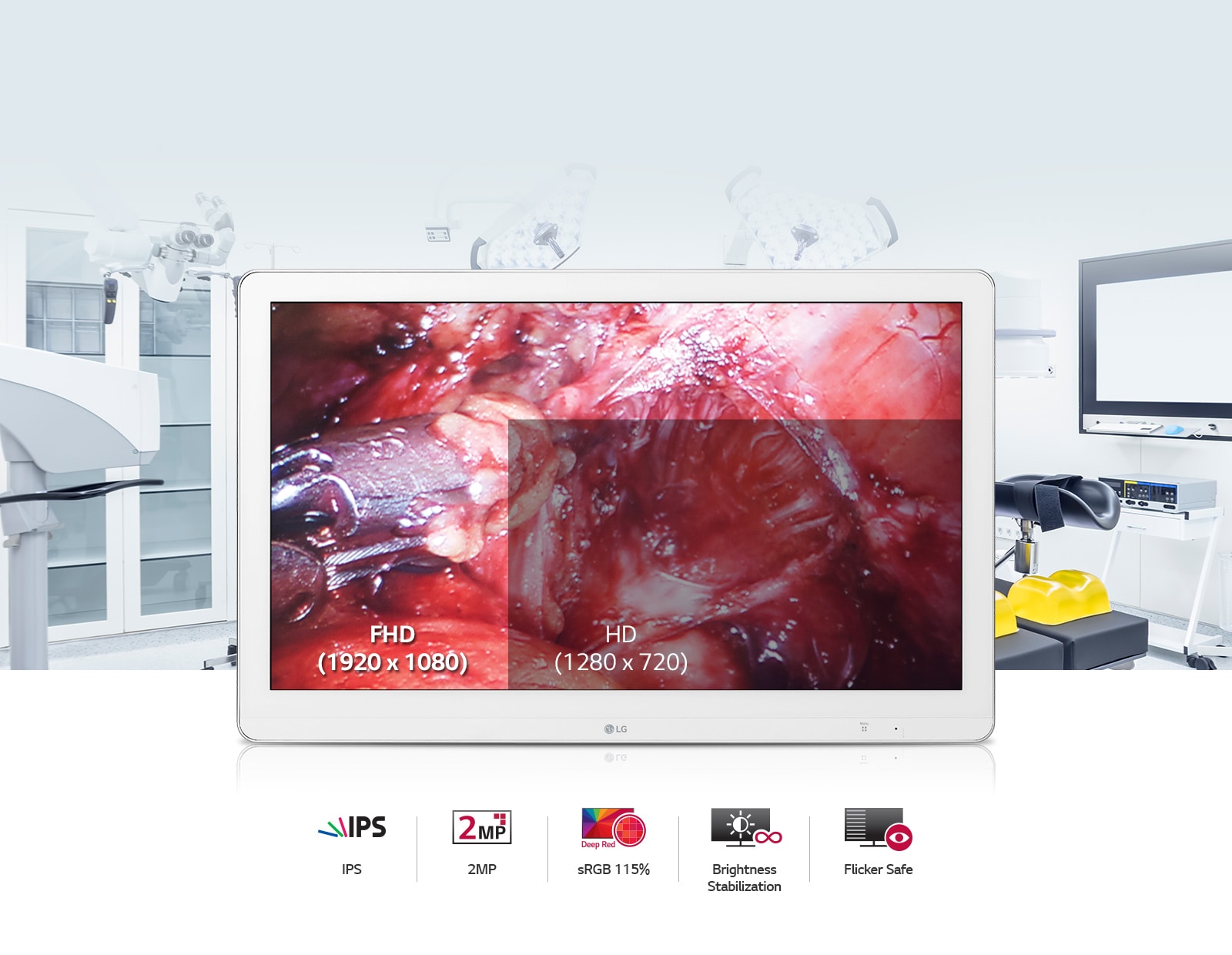
Diagnostic, clinical review, and surgical environments each warrant the right panel class for lighting, viewing distance, and workflow: so installs match intent on day one.
Explore diagnostic, clinical review, or surgical lines when you scope seats.
Lifecycle you can plan
Planned replacement paths and vendor backed support reduce emergency swaps and unbudgeted downtime.
Display choices stay aligned with managed IT and imaging operations: not ad hoc retail swaps when a backlight drifts.
Where general purpose monitors fall short
The biggest risk is inconsistency: two clinicians can view the same study on different desks and not see the same presentation. That is a quality and governance issue, not only a display issue.
- Consumer displays are tuned for visual impact, not stable greyscale behaviour, so subtle findings can present differently across readers.
- No agreed calibration or QA trail tied to PACS & RIS workflows, which weakens your audit and accreditation position.
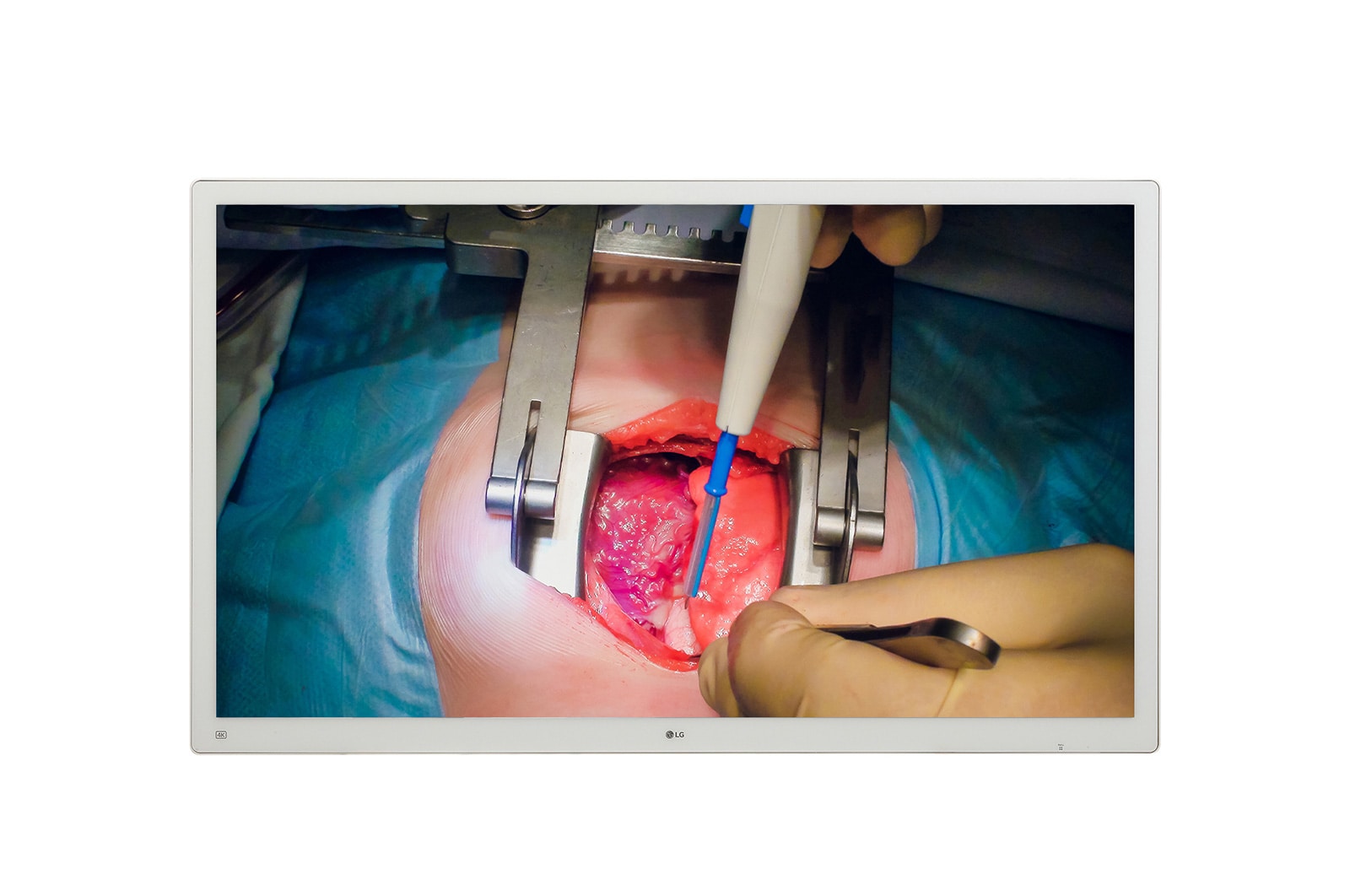
- Surgical and high ambient rooms are often paired with panels not rated for glare, mounting, or the signal paths actually used in theatre.
- Fragmented sourcing creates multiple SKUs and suppliers with no single ownership thread into hardware procurement, imaging operations, and support.
Medical display estates perform best when specification, deployment, and ongoing checks are managed as one lifecycle, not a one off purchase.
Next step
If inconsistent presentation or audit risk sounds familiar, the next step is a room matched shortlist: the same path as the button at the top of the page.
LG supply with support for EIZO and Barco estates
Trucell sells and deploys LG medical displays. We also support clients operating EIZO RadiForce and Barco diagnostic displays, without claiming to sell either brand. We assess the current estate first, then recommend an available LG alternative when replacement or expansion is required.
LG Medical Solutions (preferred)
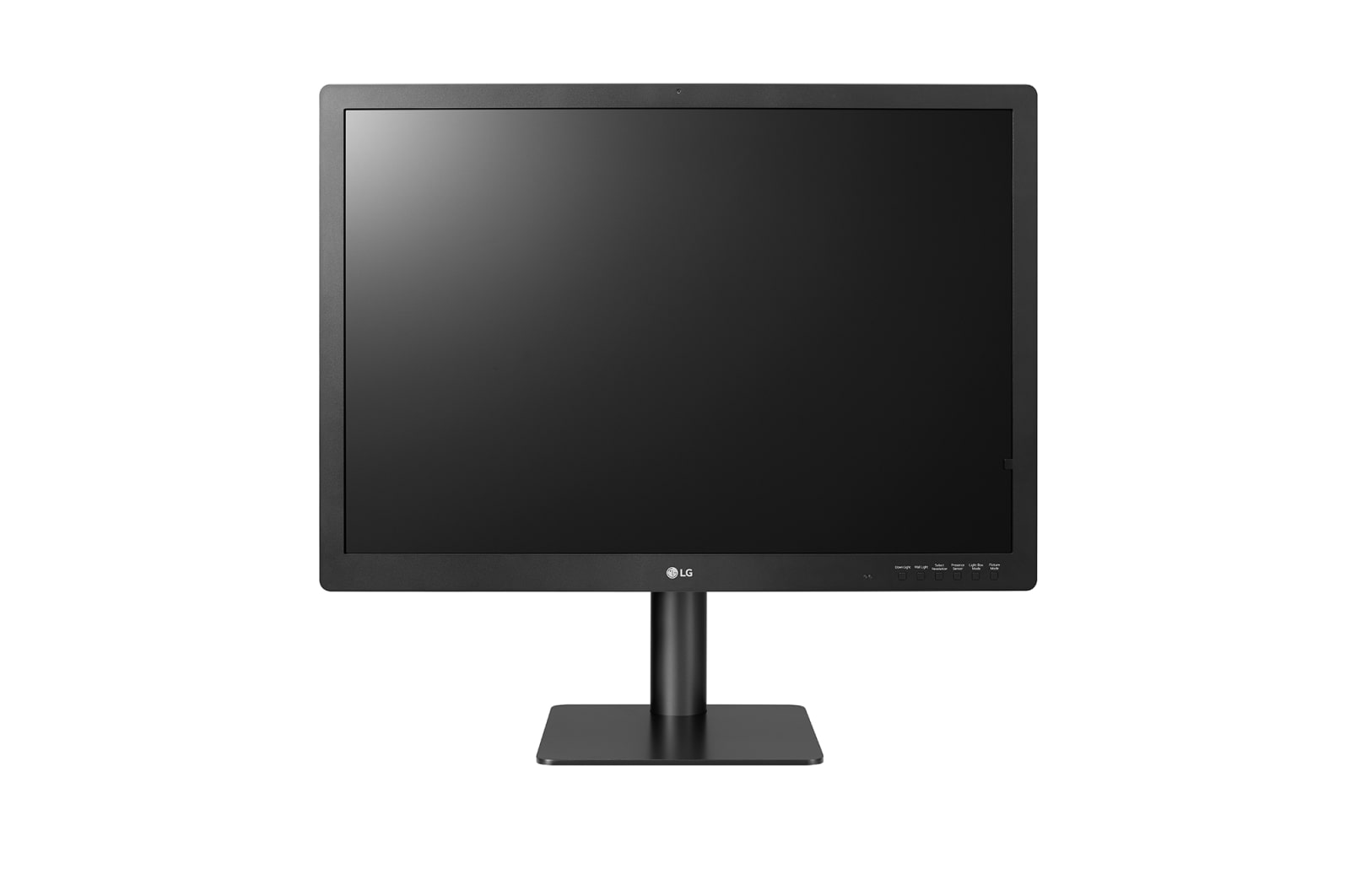
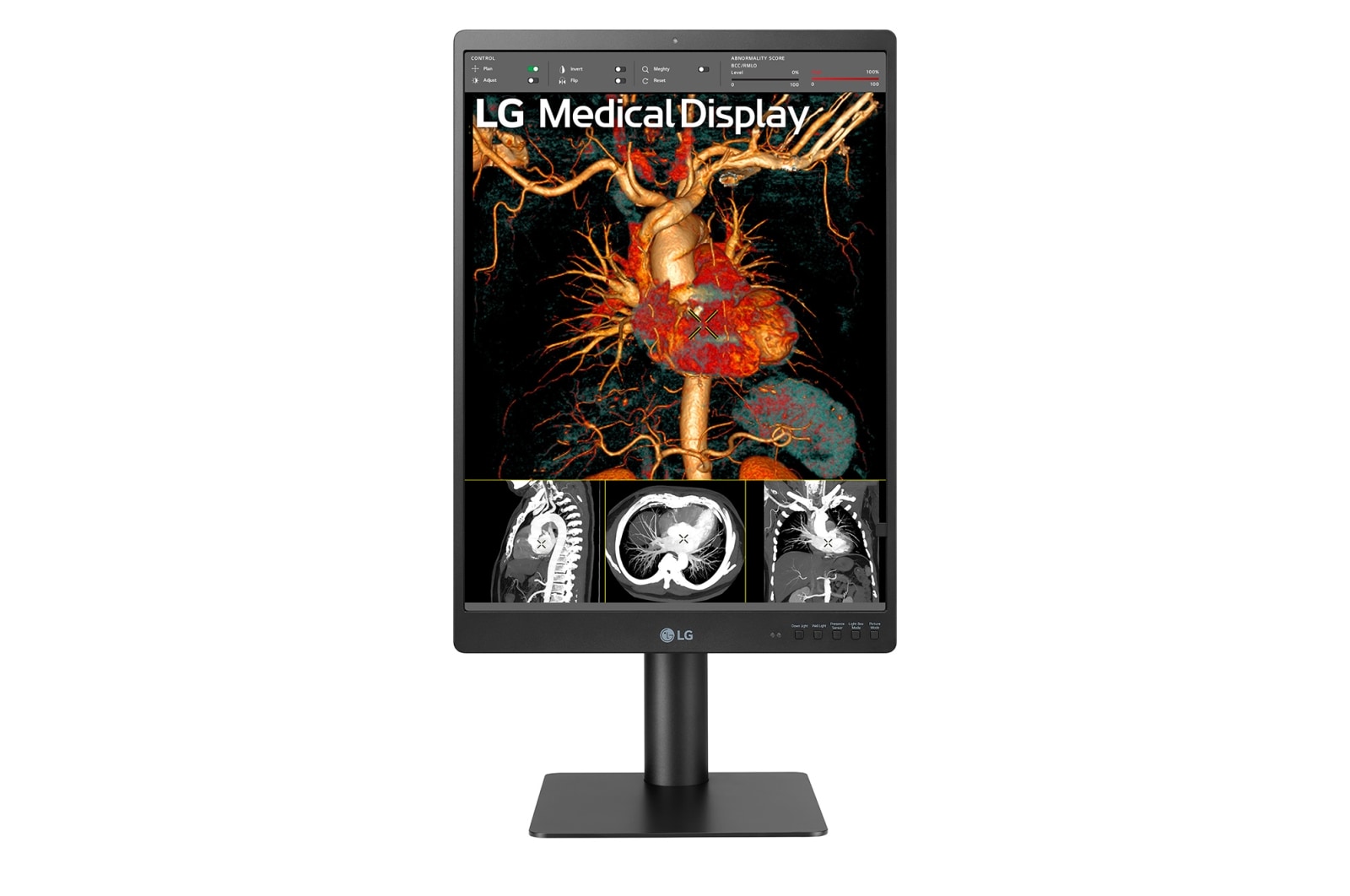
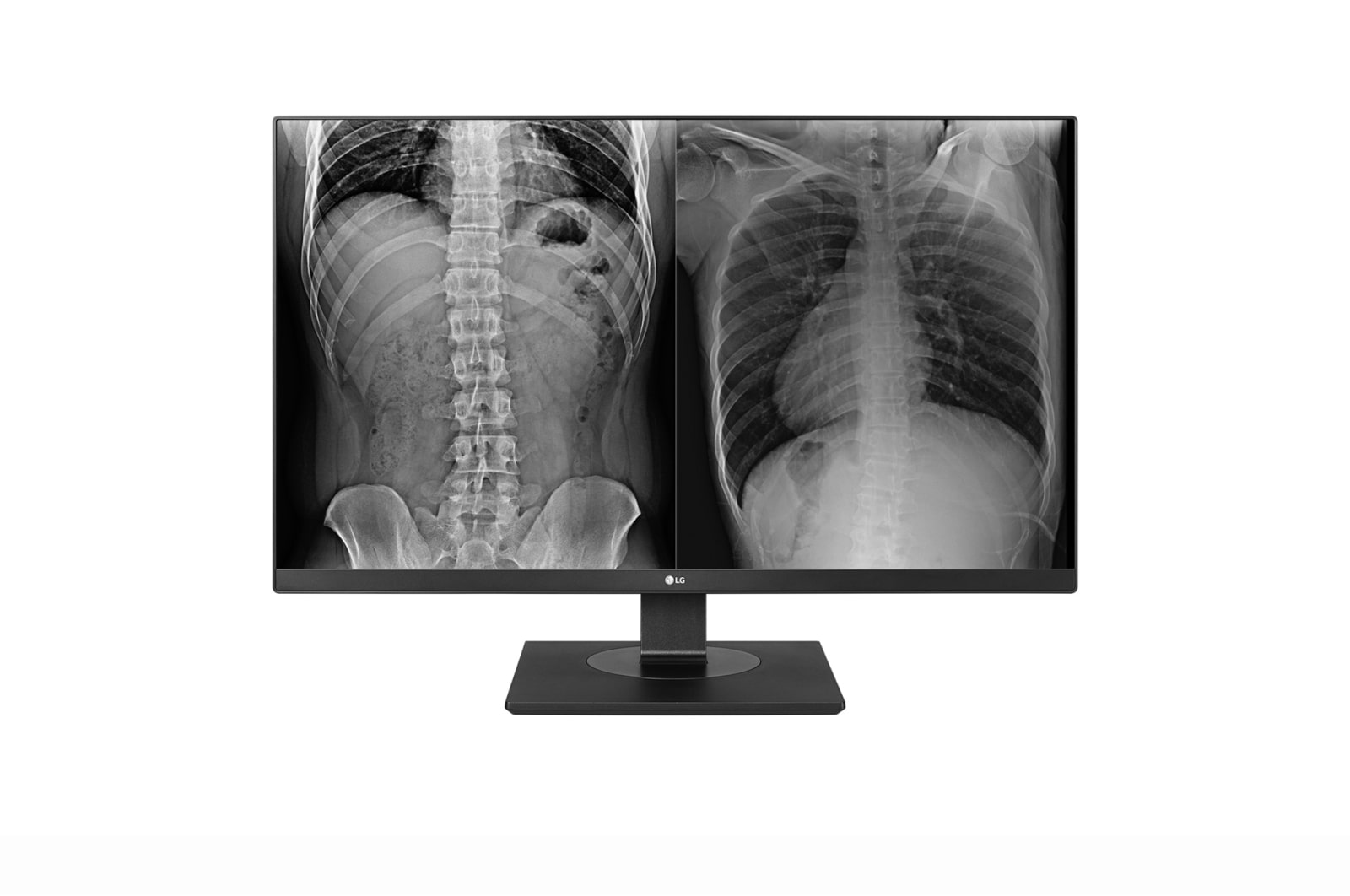
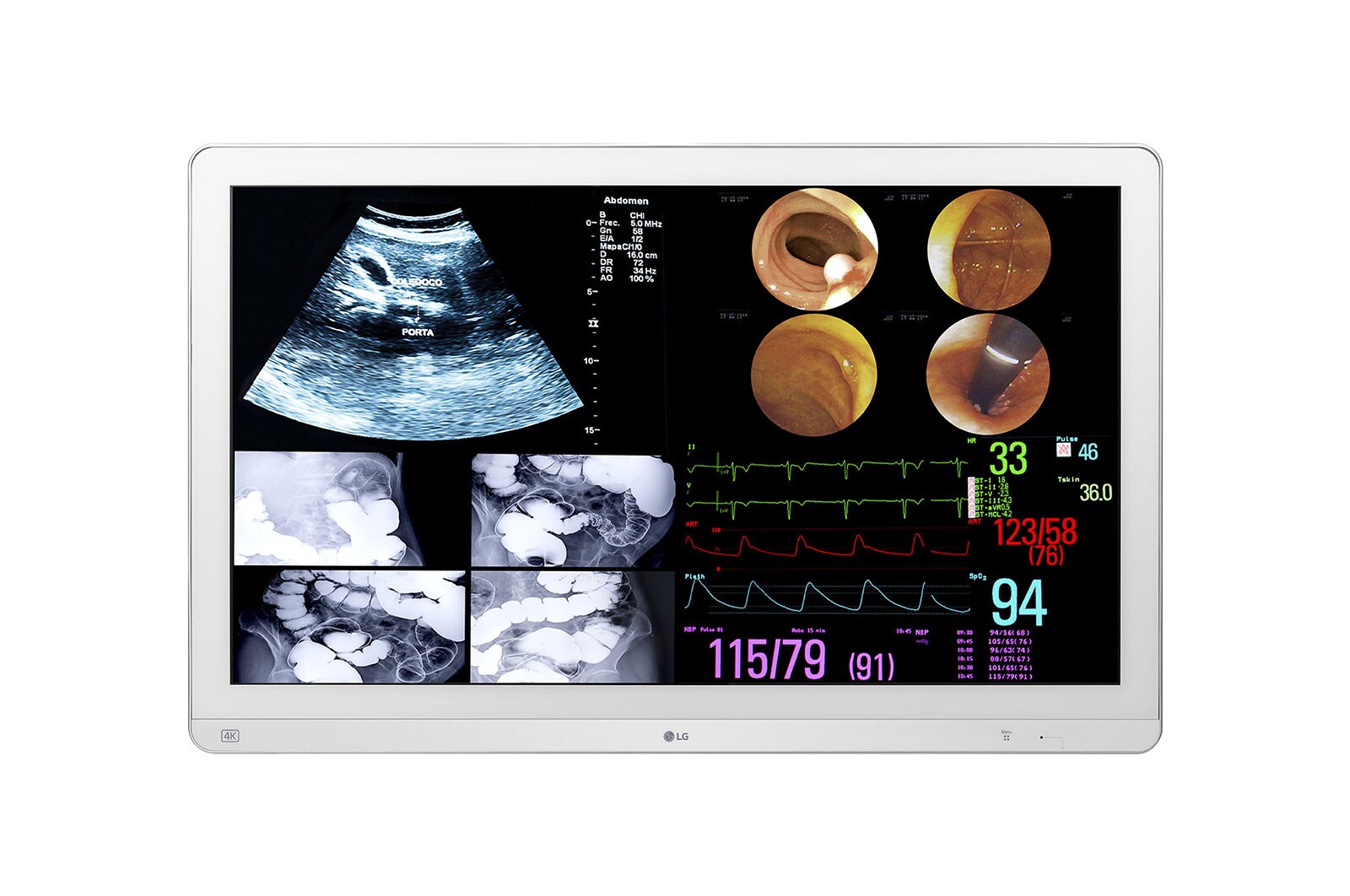
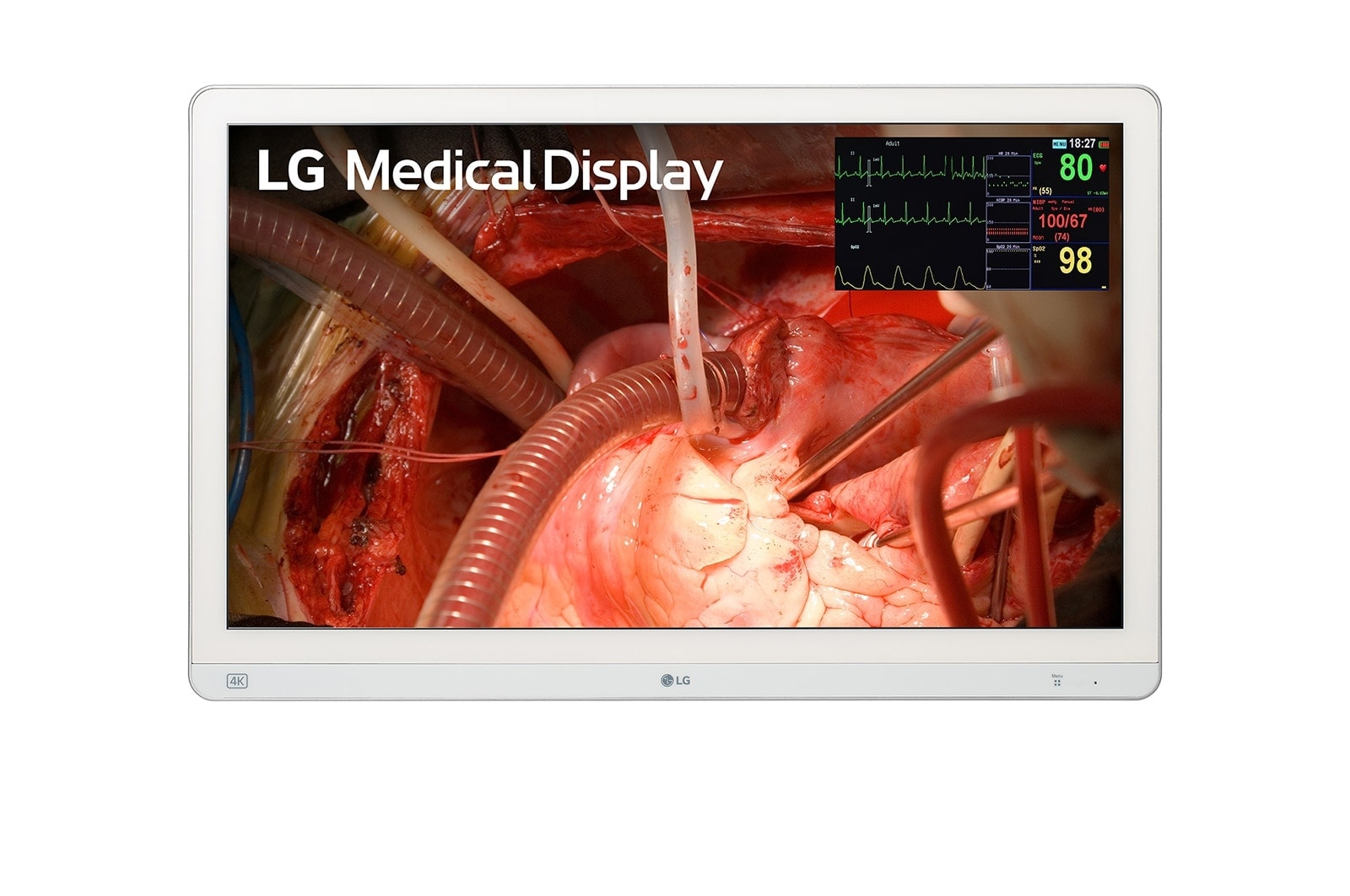
From large format diagnostic stacks to clinical and surgical options, LG Medical Solutions is our primary medical imaging partner for most new projects, backed by warranty coverage, partner pricing, and Australian stock availability. NSW Health Standing Offer pathways are available where those arrangements apply.
EIZO diagnostic (existing estates)
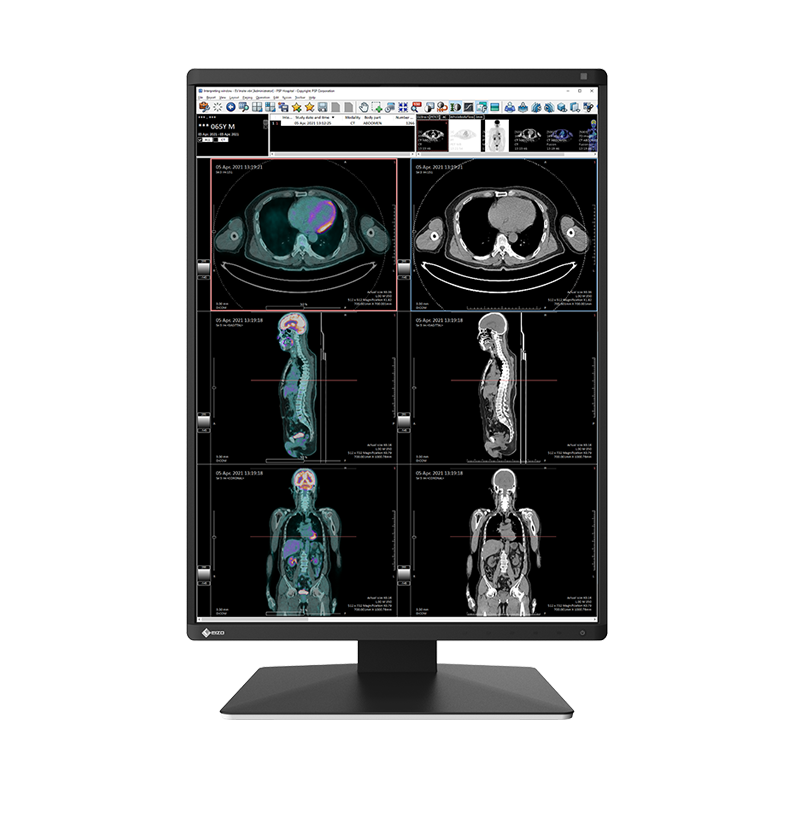
For clients already operating EIZO RadiForce diagnostic colour and monochrome displays, we support room fit, connectivity, calibration workflow, and lifecycle planning. Trucell does not sell new EIZO displays. See EIZO support and LG alternatives for the available pathway.
Barco diagnostic (existing estates)
For clients already operating Barco diagnostic displays, we help document the installed estate, assess workflow and lifecycle needs, and plan a practical replacement path. Trucell does not sell new Barco displays. See Barco support and LG alternatives for next steps.
Healthcare delivery context
We routinely support healthcare organisations where imaging uptime, change control, and clear ownership between clinical technology and IT matter as much as panel specification.
LG Medical Solutions
Operational benefits for LG display estates
When teams standardise on LG medical displays, they get a practical operating model from calibration through warranty, not just panel specification. These are the implementation details that typically reduce lifecycle risk and day to day support friction.
LCS calibration software included
LG includes LG Calibration Studio (LCS) with medical displays, so calibration can follow a vendor supported workflow rather than ad hoc consumer tooling.
Flexible calibration hosting path
LG offers a free hosted calibration service that pairs with LCS, plus a free on premises server software option when local hosting is required.
Workstation and GPU flexibility
LG medical displays do not require a proprietary workstation GPU class. Any graphics solution that can drive the required panel resolution and signal path is suitable, with daisy chaining available on supported models.
Warranty model with continuity in mind
LG backs eligible medical displays with unlimited hours warranty coverage and hot swap replacement support under warranty. Confirm the current coverage and replacement terms on your LG quote.
LG medical displays (our first choice)
For most new projects we shortlist LG first to speed procurement and reduce deployment risk: broad diagnostic, clinical review, and surgical coverage with partner pricing, warranty support, and dependable Australian stock.
Specifications below are manufacturer published highlights for side by side comparison; regional SKUs, firmware, and accessories can vary, confirm the exact bill of materials with Trucell before you order.
Filter by clinical workflow
Choose a use case to narrow products
-
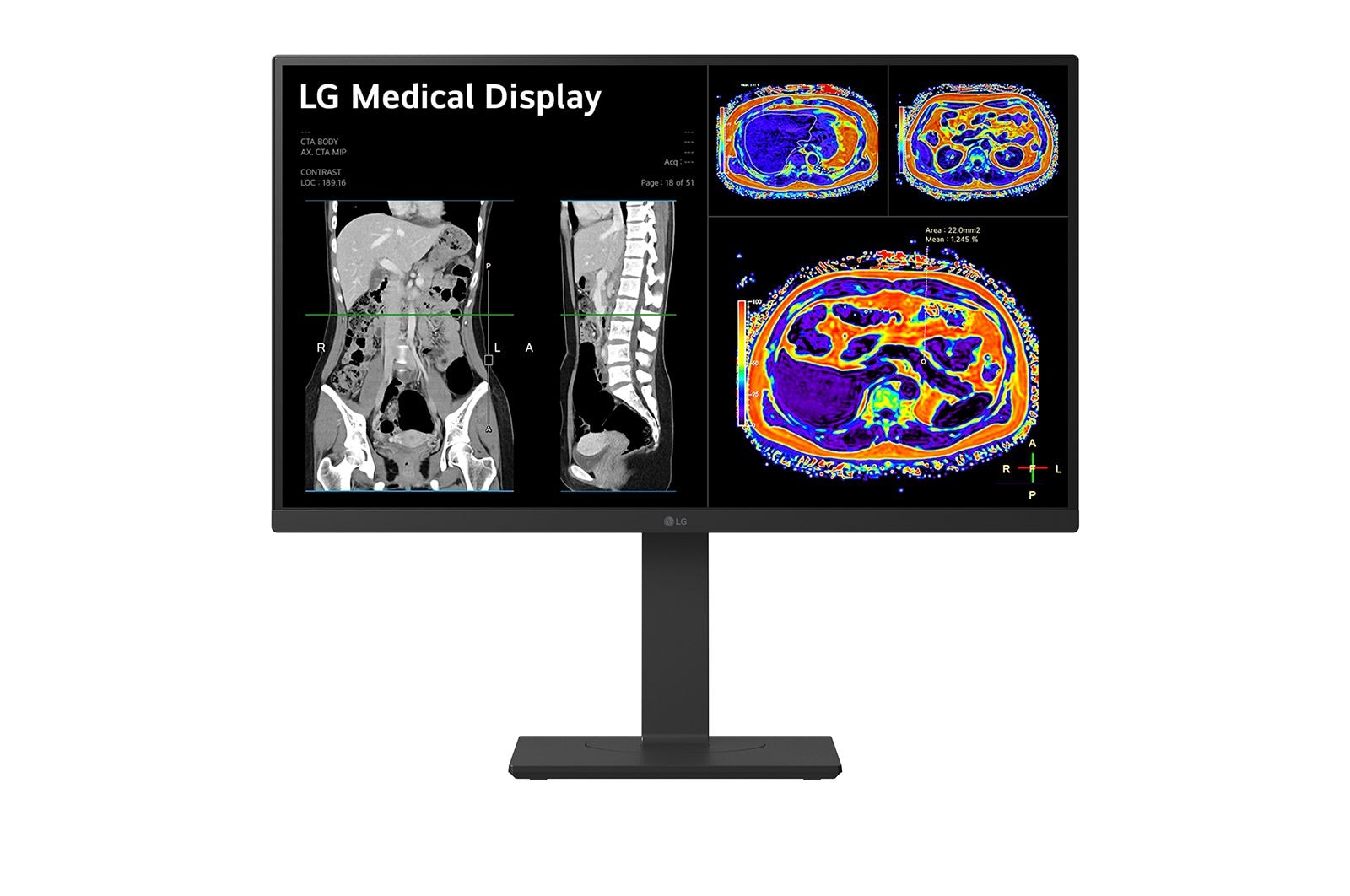
Home reporting27″ 8MP IPS Clinical Review MonitorModel 27HJ713C-B
- Screen size (diag.)
- 27.0″
- Native resolution
- 3840 × 2160
- Megapixel class
- 8MP (UHD)
- Max luminance (typ.)
- 350 cd/m² (typ.)
- Contrast (typ.)
- 1000:1 (typ.)
- Panel / backlight
- IPS / LED
- Main video inputs
- DisplayPort 1.2, HDMI 2.0
- New condition
- Free shipping
- Pricing on request
-
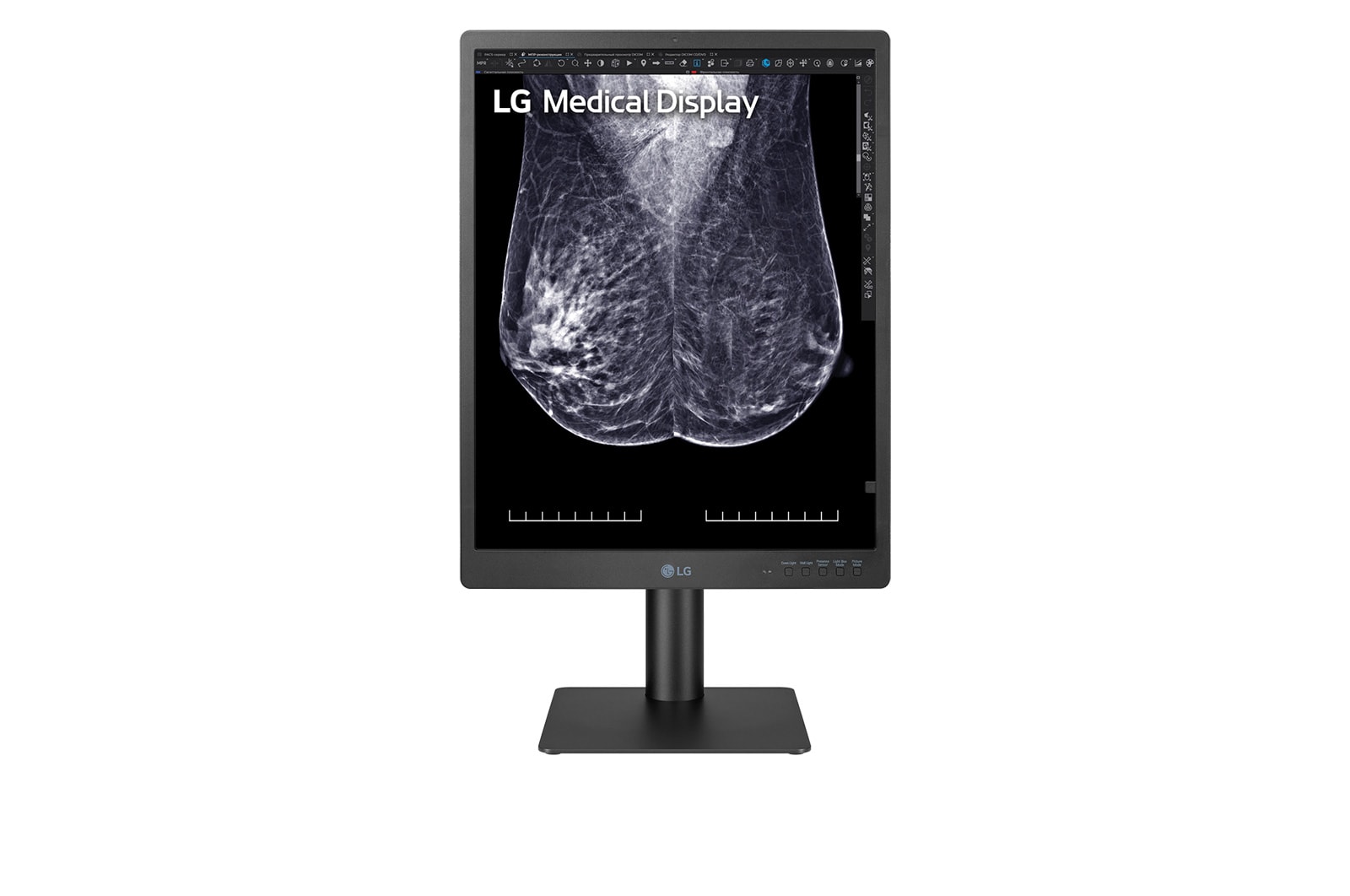
Clinical reporting21.3″ 5MP IPS Diagnostic Monitor for Mammography | 21HQ613DModel 21HQ613D-B
- Screen size (diag.)
- 21.3″
- Native resolution
- 2048 × 2560
- Megapixel class
- 5MP (mammography)
- Max luminance (typ.)
- 1100 cd/m² (typ.)
- Contrast (typ.)
- 1800:1 (typ.)
- Panel / backlight
- IPS / LED
- Main video inputs
- DisplayPort, DVI D, USB 3.0
- New condition
- Free shipping
- Pricing on request
-
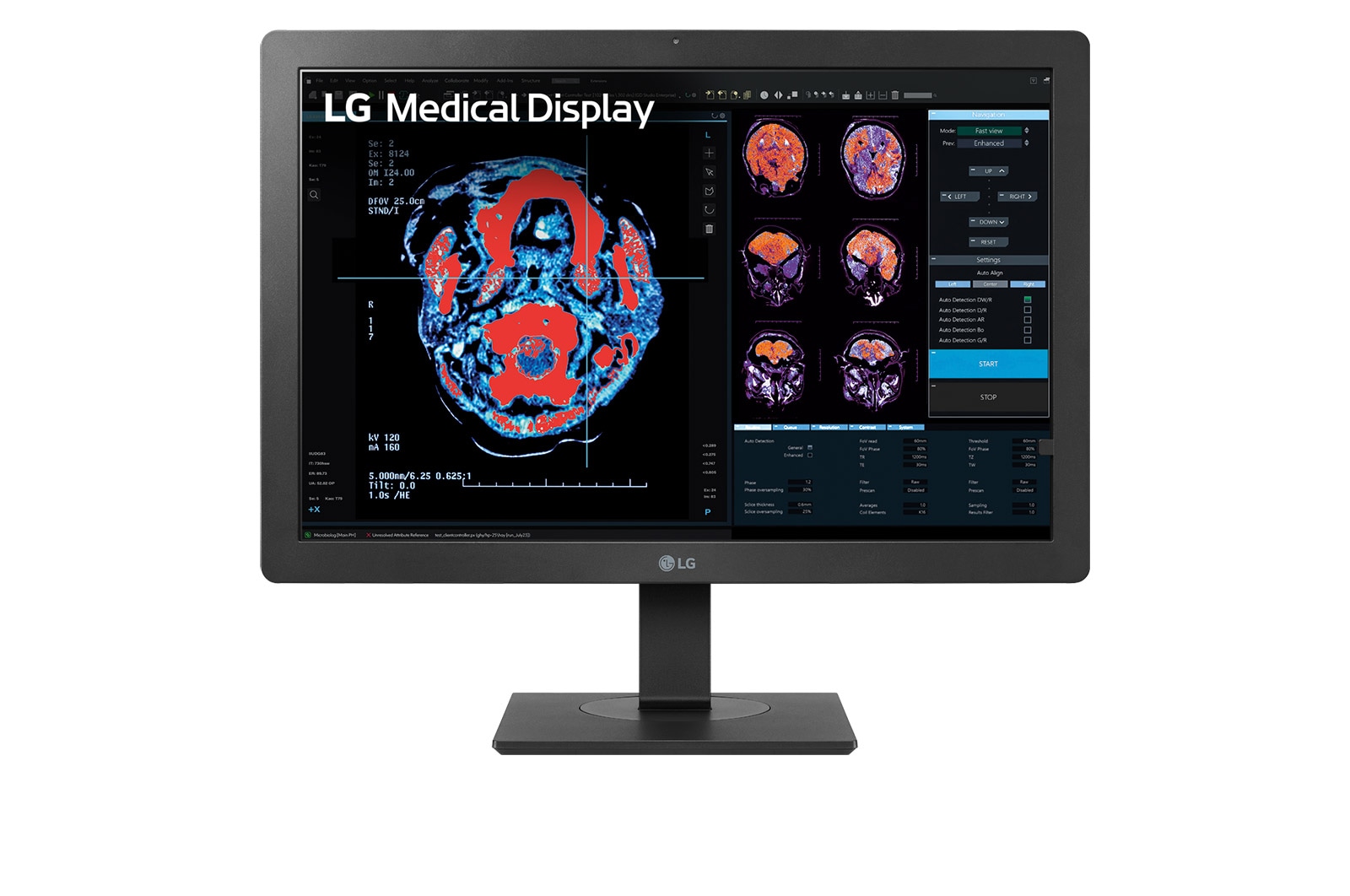
Clinical review24″ 2MP IPS Clinical Review MonitorModel 24HR513C-B
- Screen size (diag.)
- 24.1″
- Native resolution
- 1200 × 1600
- Megapixel class
- 2MP
- Max luminance (typ.)
- 500 cd/m² (typ.)
- Contrast (typ.)
- 1500:1 (typ.)
- Panel / backlight
- IPS / LED
- Main video inputs
- DisplayPort, DVI-D
- New condition
- Free shipping
- Pricing on request
-
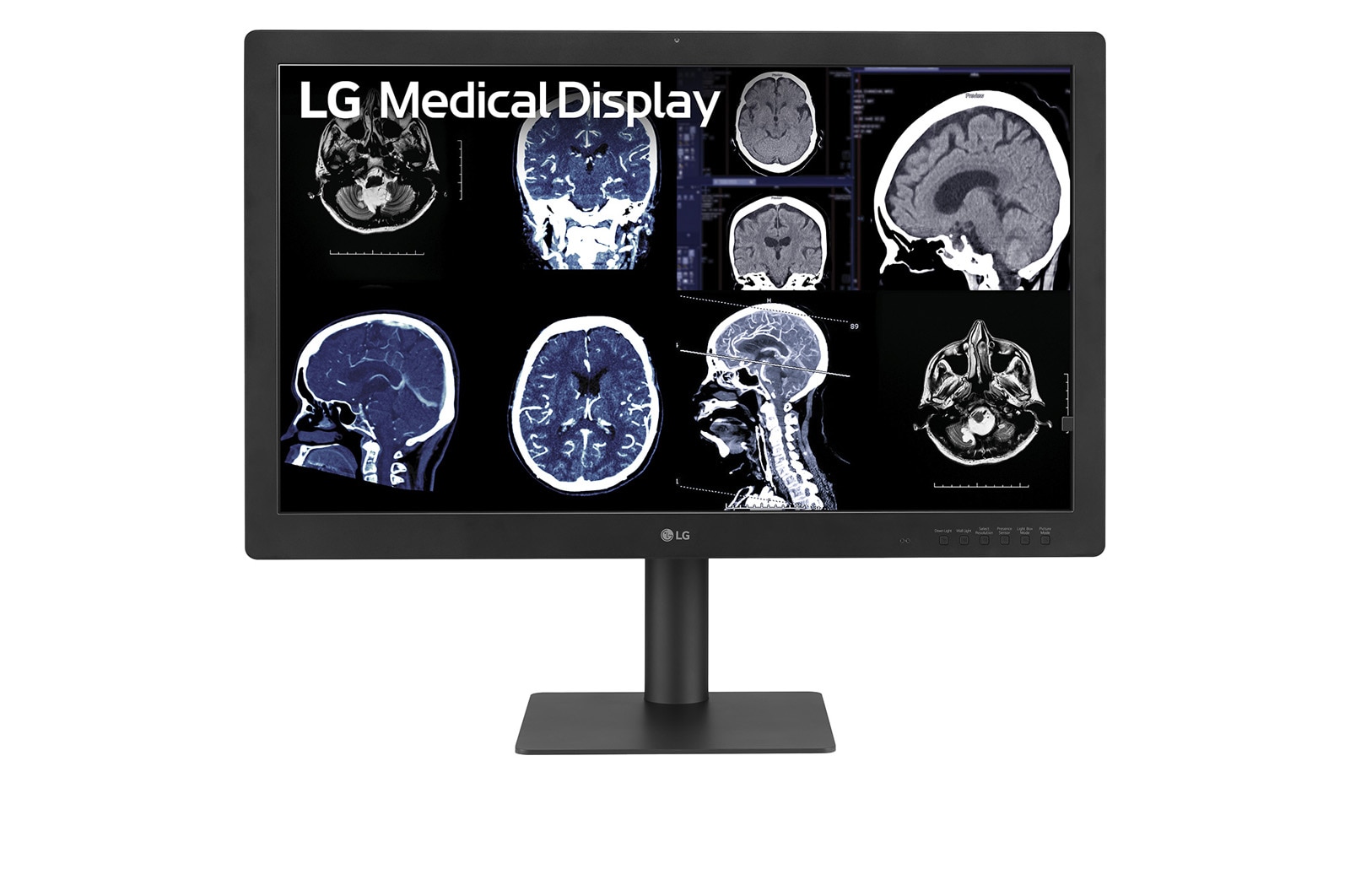
Clinical reportingLG 32HQ713D B 31.5″ 8MP IPS Black Diagnostic MonitorModel 32HQ713D-B
- Screen size (diag.)
- 31.5″
- Native resolution
- 3840 × 2160
- Megapixel class
- 8MP
- Max luminance (typ.)
- 1000 cd/m² (typ.)
- Contrast (typ.)
- 2000:1 (typ.)
- Panel / backlight
- IPS Black / LED
- Main video inputs
- DisplayPort ×2, USB 3.0
- New condition
- Free shipping
- Pricing on request
-
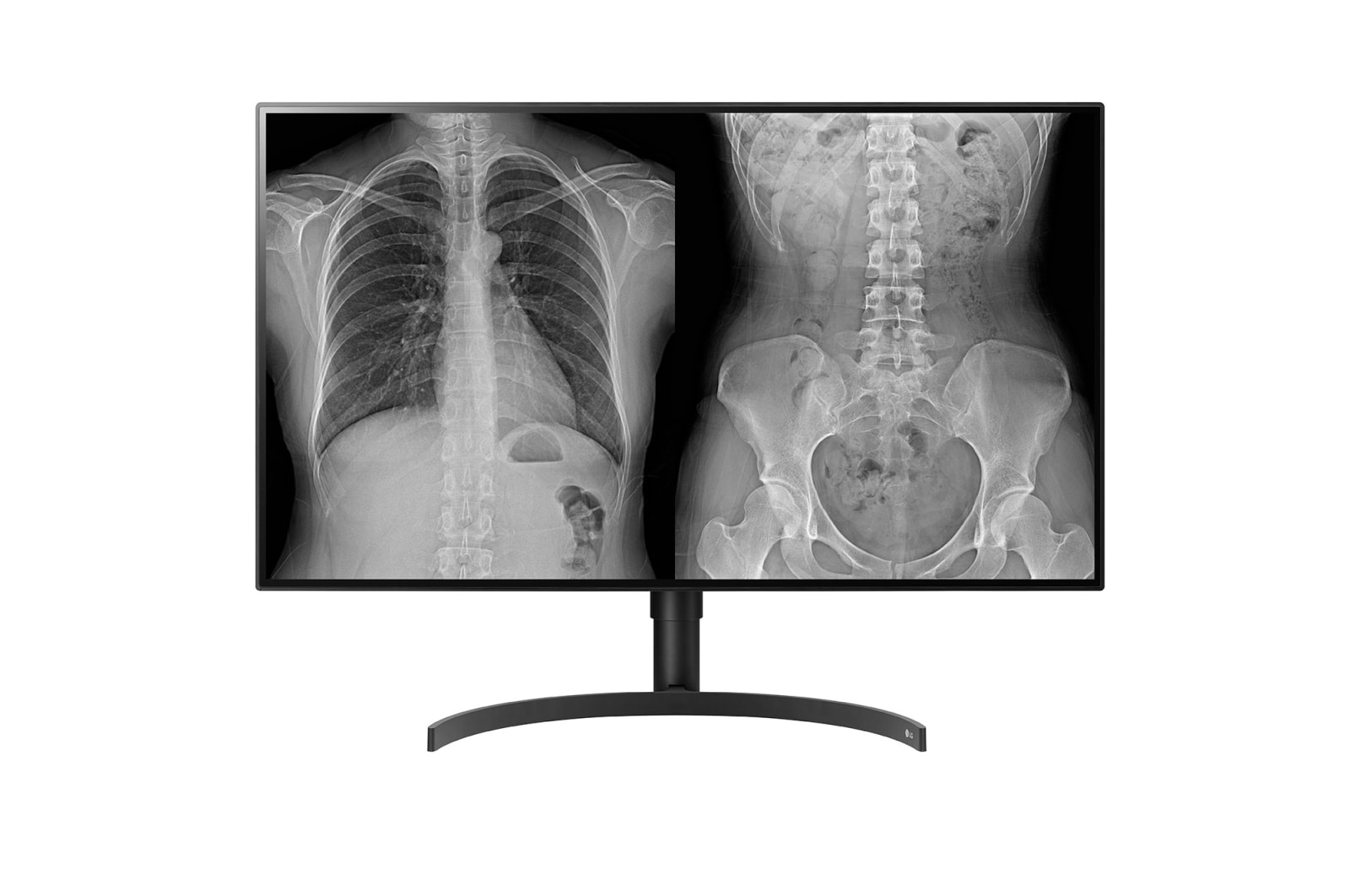
Clinical reporting Home reporting32″ IPS Clinical Reporting & Home Reporting MonitorModel 32HL512D-B
- Screen size (diag.)
- 31.5″ (32″ class)
- Native resolution
- 3840 × 2160
- Megapixel class
- 8MP
- Max luminance (typ.)
- 450 cd/m² (typ.)
- Contrast (typ.)
- 1300:1 (typ.)
- Panel / backlight
- IPS / LED
- Main video inputs
- DisplayPort ×2, HDMI
- New condition
- Free shipping
- Pricing on request
-
Clinical reportingLG 31″ 12MP IPS Diagnostic Monitor for Mammography (31HN713D-B)Model 31HN713D-B
- Screen size (diag.)
- 31.0″
- Native resolution
- 4200 × 2800
- Megapixel class
- 12MP (mammography)
- Max luminance (typ.)
- 1200 cd/m² (typ.)
- Contrast (typ.)
- 1500:1 (typ.)
- Panel / backlight
- IPS / LED
- Main video inputs
- DisplayPort, DVI D, USB 3.0
- New condition
- Free shipping
- Pricing on request
-
Clinical reportingLG 21HQ513D B, 21.3″ 3MP IPS Diagnostic MonitorModel 21HQ513D-B
- Screen size (diag.)
- 21.3″
- Native resolution
- 2048 × 1536
- Megapixel class
- 3MP
- Max luminance (typ.)
- 1100 cd/m² (typ.)
- Contrast (typ.)
- 1500:1 (typ.)
- Panel / backlight
- IPS / LED
- Main video inputs
- DisplayPort, DVI-D
- New condition
- Free shipping
- Pricing on request
-
Home reporting27″ Ultra HD Clinical Review MonitorModel 27HJ713C-B
- Screen size (diag.)
- 27.0″
- Native resolution
- 3840 × 2160
- Megapixel class
- 8MP (UHD)
- Max luminance (typ.)
- 350 cd/m² (typ.)
- Contrast (typ.)
- 1000:1 (typ.)
- Panel / backlight
- IPS / LED
- Main video inputs
- DisplayPort, HDMI
- New condition
- Free shipping
- Pricing on request
-
Home reportingLG 27HJ713C B 27″ UHD 4K IPS Clinical Review MonitorModel 27HJ713C-B
- Screen size (diag.)
- 27.0″
- Native resolution
- 3840 × 2160
- Megapixel class
- 8MP
- Max luminance (typ.)
- 350 cd/m² (typ.)
- Contrast (typ.)
- 1000:1 (typ.)
- Panel / backlight
- IPS / LED
- Main video inputs
- DisplayPort 1.2, HDMI 2.0 ×2
- New condition
- Free shipping
- Pricing on request
-
SurgicalFull HD Surgical MonitorModel 27HK510S
- Screen size (diag.)
- 27.0″ (FHD class)
- Native resolution
- 1920 × 1080
- Megapixel class
- 2MP (Full HD)
- Max luminance (typ.)
- 700 cd/m² (typ., OR)
- Contrast (typ.)
- 1000:1 (typ.)
- Panel / backlight
- IPS / LED
- Main video inputs
- HDMI, DisplayPort, SDI (model dependent)
- New condition
- Free shipping
- Pricing on request
-
Surgical31.5″ 4K IPS Surgical MonitorModel 32HL714S-W
- Screen size (diag.)
- 31.5″
- Native resolution
- 3840 × 2160
- Megapixel class
- 8MP (4K UHD)
- Max luminance (typ.)
- 800 cd/m² (typ., OR)
- Contrast (typ.)
- 1000:1 (typ.)
- Panel / backlight
- IPS / LED
- Main video inputs
- 12G SDI, HDMI, DisplayPort (model dependent)
- New condition
- Free shipping
- Pricing on request
-
Surgical27″ 4K Surgical Monitor with Mini LEDModel 27HQ710S-W
- Screen size (diag.)
- 27.0″
- Native resolution
- 3840 × 2160
- Megapixel class
- 8MP (4K UHD)
- Max luminance (typ.)
- 1000+ cd/m² (typ., Mini LED)
- Contrast (typ.)
- High contrast (local dimming)
- Panel / backlight
- IPS Mini LED
- Main video inputs
- 12G SDI, HDMI, DisplayPort (model dependent)
- New condition
- Free shipping
- Pricing on request
-
Surgical55″ 4K IPS Surgical MonitorModel 55MH5K-W
- Screen size (diag.)
- 55.0″
- Native resolution
- 3840 × 2160
- Megapixel class
- 8MP (4K UHD)
- Max luminance (typ.)
- 500 700 cd/m² (typ., large format OR)
- Contrast (typ.)
- 1200:1 (typ.)
- Panel / backlight
- IPS / LED
- Main video inputs
- 12G SDI, HDMI, DisplayPort (model dependent)
- New condition
- Free shipping
- Pricing on request
EIZO medical display support
For existing EIZO RadiForce estates, we support room fit, connectivity, calibration workflow, and lifecycle planning. Trucell does not sell new EIZO displays. When new supply is required, we can recommend and quote a suitable LG alternative.
Specifications below are manufacturer published highlights for side by side comparison; regional SKUs, firmware, and accessories can vary, confirm the exact bill of materials with Trucell before you order.
Filter by clinical workflow
Choose a use case to narrow products
-
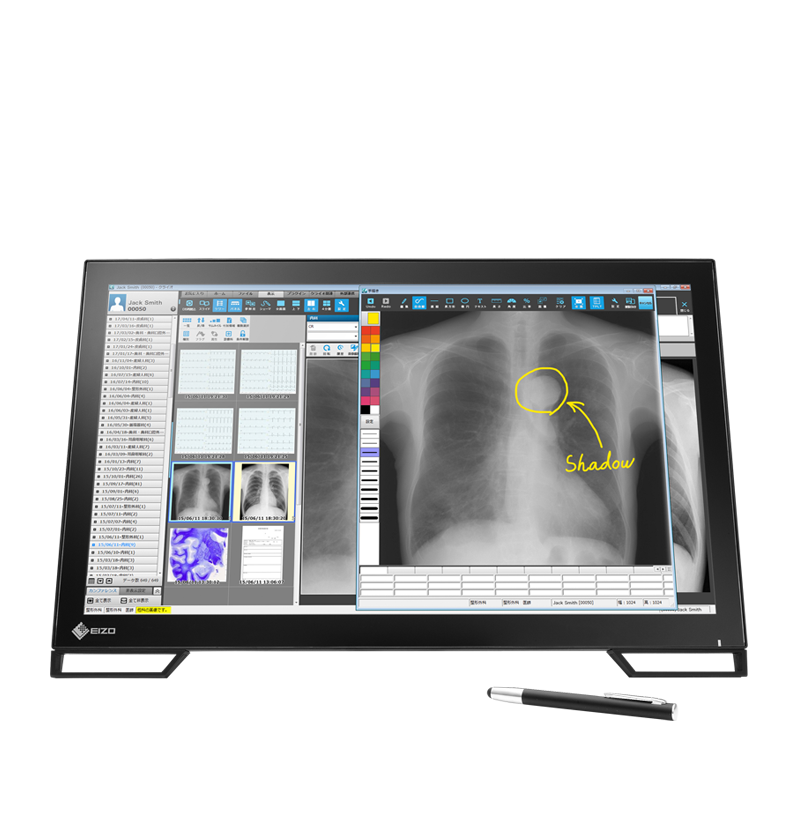
Clinical reviewEIZO RadiForce MS236WT A, 23″ Full HD Multi Touch Medical MonitorModel MS236WT-A
- Screen size (diag.)
- 23.0″
- Native resolution
- 1920 × 1080
- Megapixel class
- 2MP (Full HD)
- Max luminance (typ.)
- 210 cd/m² (typ.)
- Contrast (typ.)
- 1000:1 (typ.)
- Panel / backlight
- IPS / LED, multi touch
- Main video inputs
- DisplayPort, DVI D, HDMI
- Existing estates
- Lifecycle review
- LG alternative
-
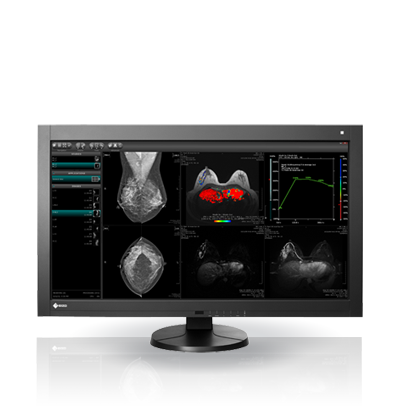
Clinical reportingEIZO RadiForce RX370, 21.3″ 3MP Diagnostic MonitorModel RX370
- Screen size (diag.)
- 21.3″
- Native resolution
- 1536 × 2048
- Megapixel class
- 3MP
- Max luminance (typ.)
- 1100 cd/m² (max.)
- Contrast (typ.)
- 1800:1 (dark room, typ.)
- Panel / backlight
- IPS / LED
- Main video inputs
- DisplayPort, DVI-D
- Existing estates
- Lifecycle review
- LG alternative
-
Home reportingEIZO RadiForce MX194, 19″ 1.3MP Medical MonitorModel MX194
- Screen size (diag.)
- 19.0″
- Native resolution
- 1280 × 1024
- Megapixel class
- 1.3MP
- Max luminance (typ.)
- 250 cd/m² (typ.)
- Contrast (typ.)
- 1500:1 (typ.)
- Panel / backlight
- IPS / LED
- Main video inputs
- DisplayPort, DVI-D
- Existing estates
- Lifecycle review
- LG alternative
-
Clinical reviewEIZO RadiForce MX216, 21.3″ 2MP Medical MonitorModel MX216
- Screen size (diag.)
- 21.3″
- Native resolution
- 1200 × 1600
- Megapixel class
- 2MP
- Max luminance (typ.)
- 800 cd/m² (typ.)
- Contrast (typ.)
- 1500:1 (typ.)
- Panel / backlight
- IPS / LED
- Main video inputs
- DisplayPort, DVI-D
- Existing estates
- Lifecycle review
- LG alternative
-
Clinical reviewEIZO RadiForce MX217, 21.3″ 2MP Medical MonitorModel MX217
- Screen size (diag.)
- 21.3″
- Native resolution
- 1200 × 1600
- Megapixel class
- 2MP
- Max luminance (typ.)
- 800 cd/m² (typ.)
- Contrast (typ.)
- 1500:1 (typ.)
- Panel / backlight
- IPS / LED
- Main video inputs
- DisplayPort, DVI-D
- Existing estates
- Lifecycle review
- LG alternative
-
Clinical reportingEIZO RadiForce RX270, 21.3″ 2MP Diagnostic MonitorModel RX270
- Screen size (diag.)
- 21.3″
- Native resolution
- 1200 × 1600
- Megapixel class
- 2MP
- Max luminance (typ.)
- 1000 cd/m² (max.)
- Contrast (typ.)
- 2000:1 (dark room, typ.)
- Panel / backlight
- IPS / LED
- Main video inputs
- DisplayPort, DVI-D
- Existing estates
- Lifecycle review
- LG alternative
-
Home reportingEIZO RadiForce MX243W, 24.1″ 2MP Widescreen Medical MonitorModel MX243W
- Screen size (diag.)
- 24.1″
- Native resolution
- 1920 × 1200
- Megapixel class
- 2MP (WUXGA)
- Max luminance (typ.)
- 450 cd/m² (typ.)
- Contrast (typ.)
- 1500:1 (typ.)
- Panel / backlight
- IPS / LED
- Main video inputs
- DisplayPort, DVI-D
- Existing estates
- Lifecycle review
- LG alternative
-
Clinical reportingEIZO RadiForce RX570 MD, 21.3″ 5MP Mammography MonitorModel RX570 MD
- Screen size (diag.)
- 21.3″
- Native resolution
- 2560 × 2048
- Megapixel class
- 5MP (mammography)
- Max luminance (typ.)
- 1000 cd/m² (max.)
- Contrast (typ.)
- 2000:1 (dark room, typ.)
- Panel / backlight
- IPS / LED
- Main video inputs
- DisplayPort, DVI-D
- Existing estates
- Lifecycle review
- LG alternative
-
Clinical reportingEIZO RadiForce RX1270, 30.9″ 12MP Diagnostic MonitorModel RX1270
- Screen size (diag.)
- 30.9″
- Native resolution
- 4200 × 2800
- Megapixel class
- 12MP
- Max luminance (typ.)
- 1000 cd/m² (max.)
- Contrast (typ.)
- 1500:1 (typ.)
- Panel / backlight
- IPS / LED
- Main video inputs
- DisplayPort ×2
- Existing estates
- Lifecycle review
- LG alternative
-
Clinical reportingEIZO RadiForce RX670, 30″ 6MP Multi Modality MonitorModel RX670
- Screen size (diag.)
- 30.0″
- Native resolution
- 3280 × 2048
- Megapixel class
- 6MP
- Max luminance (typ.)
- 1000 cd/m² (max.)
- Contrast (typ.)
- 2000:1 (dark room, typ.)
- Panel / backlight
- IPS / LED
- Main video inputs
- DisplayPort, DVI-D
- Existing estates
- Lifecycle review
- LG alternative
-
Clinical reportingEIZO RadiForce MX317W, 30.5″ 8MP 4K Medical MonitorModel MX317W
- Screen size (diag.)
- 30.5″
- Native resolution
- 4096 × 2160
- Megapixel class
- 8MP
- Max luminance (typ.)
- 700 cd/m² (typ.)
- Contrast (typ.)
- 1500:1 (typ.)
- Panel / backlight
- IPS / LED
- Main video inputs
- DisplayPort ×2
- Existing estates
- Lifecycle review
- LG alternative
-
Clinical reviewRadiForce MX315WModel MX315W
- Screen size (diag.)
- 31.1″
- Native resolution
- 4096 × 2160
- Megapixel class
- 8MP
- Max luminance (typ.)
- 700 cd/m² (typ.)
- Contrast (typ.)
- 1500:1 (typ.)
- Panel / backlight
- IPS / LED
- Main video inputs
- DisplayPort ×2
- Existing estates
- Lifecycle review
- LG alternative
-
Clinical reviewRadiForce GX340Model GX340
- Screen size (diag.)
- 21.3″
- Native resolution
- 1536 × 2048
- Megapixel class
- 3MP (mono)
- Max luminance (typ.)
- 2000 cd/m² (max., mono)
- Contrast (typ.)
- 2000:1 (typ.)
- Panel / backlight
- Monochrome TFT / LED
- Main video inputs
- DisplayPort, DVI-D
- Existing estates
- Lifecycle review
- LG alternative
-
Clinical reportingRadiForce RX340Model RX340
- Screen size (diag.)
- 21.2″
- Native resolution
- 1536 × 2048
- Megapixel class
- 3MP
- Max luminance (typ.)
- 1100 cd/m² (max.)
- Contrast (typ.)
- 2000:1 (dark room, typ.)
- Panel / backlight
- IPS / LED
- Main video inputs
- DisplayPort, DVI-D
- Existing estates
- Lifecycle review
- LG alternative
-
Clinical reportingRadiForce RX440Model RX440
- Screen size (diag.)
- 29.8″
- Native resolution
- 2560 × 1600
- Megapixel class
- 4MP
- Max luminance (typ.)
- 1000 cd/m² (max.)
- Contrast (typ.)
- 2000:1 (typ.)
- Panel / backlight
- IPS / LED
- Main video inputs
- DisplayPort ×2
- Existing estates
- Lifecycle review
- LG alternative
-
Clinical reviewRadiForce GX540Model GX540
- Screen size (diag.)
- 21.3″
- Native resolution
- 2048 × 2560
- Megapixel class
- 5MP (mono, mammography)
- Max luminance (typ.)
- 1200 cd/m² (std., mono)
- Contrast (typ.)
- 1200:1 (typ.)
- Panel / backlight
- Monochrome TFT / LED
- Main video inputs
- DisplayPort, DVI D (dual link)
- Existing estates
- Lifecycle review
- LG alternative
-
Clinical reportingRadiForce RX650Model RX650
- Screen size (diag.)
- 30.0″
- Native resolution
- 3280 × 2048
- Megapixel class
- 6MP
- Max luminance (typ.)
- 1000 cd/m² (max.)
- Contrast (typ.)
- 2000:1 (typ.)
- Panel / backlight
- IPS / LED
- Main video inputs
- DisplayPort ×2
- Existing estates
- Lifecycle review
- LG alternative
-
Clinical reportingRadiForce RX840Model RX840
- Screen size (diag.)
- 36.4″
- Native resolution
- 4096 × 2160
- Megapixel class
- 8MP
- Max luminance (typ.)
- 800 cd/m² (typ.)
- Contrast (typ.)
- 2000:1 (typ.)
- Panel / backlight
- IPS / LED
- Main video inputs
- DisplayPort ×2
- Existing estates
- Lifecycle review
- LG alternative
-
Clinical reportingRadiForce RX840 MGModel RX840 MG
- Screen size (diag.)
- 36.4″
- Native resolution
- 4096 × 2160
- Megapixel class
- 8MP (mammography / general)
- Max luminance (typ.)
- 800 cd/m² (typ.)
- Contrast (typ.)
- 2000:1 (typ.)
- Panel / backlight
- IPS / LED
- Main video inputs
- DisplayPort ×2
- Existing estates
- Lifecycle review
- LG alternative
-
Clinical reportingRadiForce RX850Model RX850
- Screen size (diag.)
- 31.1″
- Native resolution
- 4096 × 2160
- Megapixel class
- 8MP
- Max luminance (typ.)
- 850 cd/m² (typ.)
- Contrast (typ.)
- 1450:1 (typ.)
- Panel / backlight
- IPS / LED
- Main video inputs
- DisplayPort ×2, DVI D (dual link) ×2
- Existing estates
- Lifecycle review
- LG alternative
- Clinical reportingEIZO RadiForce RX660, 30″ 6MP Diagnostic Monitor
Model RX660
- Screen size (diag.)
- 30.0″
- Native resolution
- 3280 × 2048
- Megapixel class
- 6MP
- Max luminance (typ.)
- 500 cd/m² (cal.), 1000 max.
- Contrast (typ.)
- 1500:1 (typ.)
- Panel / backlight
- IPS / LED
- Main video inputs
- DisplayPort x 2, DVI-D (dual link)
- Existing estates
- Lifecycle review
- LG alternative
- Clinical reportingEIZO RadiForce RX560, 21.3″ 5MP Diagnostic Monitor for Mammography
Model RX560
- Screen size (diag.)
- 21.3″
- Native resolution
- 2048 × 2560
- Megapixel class
- 5MP (mammography)
- Max luminance (typ.)
- 500 cd/m² (cal.), 1100 max.
- Contrast (typ.)
- 1500:1 (typ.)
- Panel / backlight
- IPS / LTPS
- Main video inputs
- DisplayPort, DVI-D (dual link)
- Existing estates
- Lifecycle review
- LG alternative
- Clinical reportingEIZO RadiForce GX560, 21.3″ 5MP Grayscale Monitor for Mammography
Model GX560
- Screen size (diag.)
- 21.3″
- Native resolution
- 2048 × 2560
- Megapixel class
- 5MP (mammography, grayscale)
- Max luminance (typ.)
- 1000 cd/m² (cal.), 2500 max.
- Contrast (typ.)
- 1700:1 (typ.)
- Panel / backlight
- Monochrome IPS / LED, LTPS
- Main video inputs
- DisplayPort x 2, DVI-D (dual link)
- Existing estates
- Lifecycle review
- LG alternative
- Clinical reportingEIZO RadiForce GX240, 21.3″ 2MP Grayscale Monitor
Model GX240
- Screen size (diag.)
- 21.3″
- Native resolution
- 1200 × 1600
- Megapixel class
- 2MP (grayscale)
- Max luminance (typ.)
- 500 cd/m² (cal.), 1200 max.
- Contrast (typ.)
- 1400:1 (typ.)
- Panel / backlight
- Monochrome IPS / LED
- Main video inputs
- DisplayPort, DVI-D
- Existing estates
- Lifecycle review
- LG alternative
Compare selected models (0)
Select monitor cards above to build a quick side by side comparison below.
Tip: you can select models across different workflow filters.
Select one or more displays above to start comparing key specifications.
| Photo | Model | Screen size (diag.) | Native resolution | Megapixel class | Max luminance (typ.) | Contrast (typ.) | Panel / backlight | Main video inputs |
|---|
Barco medical displays: estate support and LG alternatives
Trucell supports existing Barco display estates and does not sell new Barco hardware. Each model page covers the published specifications and the LG alternative Trucell recommends when replacement is required.
Specifications below are manufacturer published highlights for side by side comparison; regional SKUs, firmware, and accessories can vary, confirm the exact bill of materials with Trucell before you order.
Filter by clinical workflow
Choose a use case to narrow products
- Clinical reportingBarco Coronis Uniti, 33.6″ 12MP Diagnostic Monitor for Mammography
Model MDMC-12133
- Screen size (diag.)
- 33.6″
- Native resolution
- 4200 × 2800
- Megapixel class
- 12MP (mammography)
- Max luminance (typ.)
- 1000 cd/m² (cal.), 2100 typ.
- Contrast (typ.)
- 1200:1 (typ.)
- Panel / backlight
- IPS / LED, protective glass
- Main video inputs
- DisplayPort 1.2
- Existing estates
- Lifecycle review
- LG alternative
- Clinical reportingBarco Coronis Fusion 6MP, 30.4″ Diagnostic Monitor
Model MDCC-6530
- Screen size (diag.)
- 30.4″
- Native resolution
- 3280 × 2048
- Megapixel class
- 6MP
- Max luminance (typ.)
- 600 cd/m² (cal.), 1050 typ.
- Contrast (typ.)
- 2000:1 (typ.)
- Panel / backlight
- IPS / LED, dual head configurable
- Main video inputs
- 2x DisplayPort 1.2 in, MST out
- Existing estates
- Lifecycle review
- LG alternative
- Clinical reportingBarco Coronis Fusion 4MP, 30.4″ Diagnostic Monitor
Model MDCC-4430
- Screen size (diag.)
- 30.4″
- Native resolution
- 2560 × 1600
- Megapixel class
- 4MP
- Max luminance (typ.)
- 600 cd/m² (cal.), 1050 typ.
- Contrast (typ.)
- 2000:1 (typ.)
- Panel / backlight
- IPS / LED, dual head configurable
- Main video inputs
- 2x DisplayPort 1.2 in, MST out
- Existing estates
- Lifecycle review
- LG alternative
- Clinical reportingBarco Nio Fusion 12MP, 30.9″ Diagnostic Monitor for Mammography
Model MDNC-12130
- Screen size (diag.)
- 30.9″
- Native resolution
- 4200 × 2800
- Megapixel class
- 12MP (mammography)
- Max luminance (typ.)
- 600 cd/m² (cal.), 1200 typ.
- Contrast (typ.)
- 1500:1 (typ.)
- Panel / backlight
- LCD / DuraLight LED, dual head configurable
- Main video inputs
- 2x DisplayPort 1.2
- Existing estates
- Lifecycle review
- LG alternative
- Clinical reportingBarco Nio Color 8MP, 32″ Diagnostic Monitor
Model MDNC-8132
- Screen size (diag.)
- 32.0″
- Native resolution
- 3840 × 2160
- Megapixel class
- 8MP
- Max luminance (typ.)
- 420 cd/m² (cal.), 850 typ.
- Contrast (typ.)
- 1350:1 (typ.)
- Panel / backlight
- IPS / LED
- Main video inputs
- 2x DisplayPort 1.4 in, MST out
- Existing estates
- Lifecycle review
- LG alternative
- Clinical reportingBarco Nio Color 5.8MP, 21.3″ Diagnostic Monitor for Mammography
Model MDNC-6121
- Screen size (diag.)
- 21.3″
- Native resolution
- 2100 × 2800
- Megapixel class
- 5.8MP (mammography)
- Max luminance (typ.)
- 600 cd/m² (cal.), 1560 typ.
- Contrast (typ.)
- 1400:1 (typ.)
- Panel / backlight
- LCD / LED
- Main video inputs
- 2x DisplayPort 1.4
- Existing estates
- Lifecycle review
- LG alternative
- Clinical reportingBarco Nio Gray 5.8MP, 21.3″ Grayscale Monitor for Mammography
Model MDNG-6221
- Screen size (diag.)
- 21.3″
- Native resolution
- 2100 × 2800
- Megapixel class
- 5.8MP (mammography, grayscale)
- Max luminance (typ.)
- 600 cd/m² (cal.), up to 1000 warrantied
- Contrast (typ.)
- 1400:1 (typ.)
- Panel / backlight
- 10 bit grayscale LCD / LED
- Main video inputs
- 2x DVI-D Dual Link, 2x DisplayPort
- Existing estates
- Lifecycle review
- LG alternative
- Clinical reportingBarco Nio Color 3MP, 21.3″ Diagnostic Monitor
Model MDNC-3521
- Screen size (diag.)
- 21.3″
- Native resolution
- 2048 × 1536
- Megapixel class
- 3MP
- Max luminance (typ.)
- 600 cd/m² (cal.), 1050 typ.
- Contrast (typ.)
- 2000:1 (typ.)
- Panel / backlight
- IPS-SFT / LED
- Main video inputs
- 2x DisplayPort 1.4
- Existing estates
- Lifecycle review
- LG alternative
- Clinical reportingBarco Nio Color 2MP, 21.3″ Diagnostic Monitor
Model MDNC-2521
- Screen size (diag.)
- 21.3″
- Native resolution
- 1600 × 1200
- Megapixel class
- 2MP
- Max luminance (typ.)
- 600 cd/m² (cal.), 1000 typ.
- Contrast (typ.)
- 2000:1 (typ.)
- Panel / backlight
- IPS-SFT / LED
- Main video inputs
- 2x DisplayPort 1.4 in, MST out
- Existing estates
- Lifecycle review
- LG alternative
- Clinical reviewBarco Eonis Color 8MP, 32″ Clinical Review Monitor
Model MDRC-8132
- Screen size (diag.)
- 32.0″
- Native resolution
- 3840 × 2160
- Megapixel class
- 8MP
- Max luminance (typ.)
- 300 cd/m² (cal.), 500 typ.
- Contrast (typ.)
- 1000:1 (typ.)
- Panel / backlight
- IPS / LED
- Main video inputs
- 2x DisplayPort 1.4 in, MST out
- Existing estates
- Lifecycle review
- LG alternative
Run a quick DICOM monitor suitability test
If imaging teams are working across mixed displays, this browser based DICOM monitor test helps flag whether brightness and greyscale rendering may be holding reporting confidence back before your next review cycle.
(opens in a new tab)
This is a non clinical screening tool and does not replace formal monitor calibration, acceptance testing, or regulatory assessment.
From selection to sustained performance
We keep the thread from specification through handover, so what is ordered matches the clinical intent, the integration points are understood, and the display estate does not drift silently after go live.
Discover
Room type, modality mix, reading versus review versus theatre use, and how PACS & RIS workflows touch the estate, before anyone locks a SKU list.
Specify & quote
Panel class, mounting, signal paths, and accessories matched to vendor guidance and your standards, routed through hardware procurement so quotes reflect what will actually ship and install.
Deploy & verify
Staging, delivery coordination, and baseline checks so clinical teams start from a known good state, not surprise variance on day one.
Sustain
IT support, lifecycle planning, and calibration or QA alignment as part of your operational rhythm, so luminance drift is managed, not discovered accidentally.
Procurement and governance
Trucell supplies LG diagnostic displays under NSW Health Standing Offer arrangements and supports Australian and New Zealand government and health sector procurement patterns, with ISO 9001 aligned controls on supply and delivery, not a claim to certify your site.
NSW Health Standing Offer
Where those arrangements apply, Trucell supplies LG diagnostic displays under NSW Health Standing Offer arrangements, named, traceable supply paths for public health buyers who need confidence in how equipment is sourced and delivered.
Australia and New Zealand
Beyond NSW, we support government and public sector and health sector procurement in Australia and New Zealand with conservative, sector appropriate wording, without inventing standing offer names we have not documented.
Quality managed supply
Hardware moves through the same specification discipline as the rest of Trucell’s IT hardware procurement practice: controlled documentation, distributor backed lines, and handover into managed support where agreed.
When the display solution is working, and when it quietly drifts
The goal is predictable imaging presentation: calibrated greys, accountable procurement, and operations that know who owns the next step.
When it is working
- Readers see stable brightness and greyscale behaviour across workstations, with QA and calibration aligned to your imaging policy.
- Procurement paths are clear for public and private buyers, including where NSW Health Standing Offer applies to LG diagnostic displays.
- Support and lifecycle conversations tie into managed IT, not a forgotten capital spreadsheet.
When it is not
- Mixed consumer gear on clinical desks, same room, incompatible presentation, no defensible calibration story.
- “We will fix it later” brightness drift, until an incident review asks why two monitors showed the same study differently.
- Orders placed without integration context, signal, mounting, or PACS workflow mismatches that show up on install week.
Send a quick room brief for a faster shortlist
Share your room context in under a minute. We will use this brief to recommend suitable diagnostic, clinical review, or surgical models before formal quoting.
Ready for a room by room shortlist and quote?
Share your room type, modality mix, and procurement constraints. We will recommend diagnostic, clinical review, or surgical models and send pricing with clear next steps. No obligation, just a clear recommendation you can act on.
Prefer to talk now? +64 9 884 4880 … Pick a time (opens Microsoft Bookings in a new tab)
Frequently asked questions
Answers to common shortlist and procurement questions before your quote review.
Which monitor class should we use in each room?
Use diagnostic displays for primary interpretation, clinical review displays for non diagnostic review contexts, and surgical displays for theatre or procedure room workflows with higher ambient light and mounting constraints.
Can Trucell support mixed LG, EIZO, and Barco estates?
Yes. We support clients operating mixed LG, EIZO, and Barco estates. Trucell sells LG medical displays, but does not sell new EIZO or Barco displays. We assess existing standards and room fit, then recommend an available LG alternative when new supply is required.
Do you support procurement pathways for public health buyers?
Yes. Where applicable, we support NSW Health Standing Offer pathways for LG diagnostic display procurement and provide quote packs suited to healthcare governance and review processes.
Is the DICOM browser test a replacement for formal calibration?
No. The browser test is a quick screening aid only. It does not replace formal monitor calibration, acceptance testing, or regulatory assessment requirements.
Explore related areas
Partners, imaging solutions, and industries, most display solutions sit alongside PACS, procurement, and sector governance.
Industries
Partners
Solutions
-
Barco support and LG alternatives
Support for existing Barco display estates with lifecycle assessment and LG replacement planning.
Read more -
Clinical monitors
Clinical review and consultation displays where diagnostic class hardware is not required for every seat.
Read more -
Surgical monitors
High brightness surgical and procedure room displays with signal and mounting considerations built in.
Read more -
PACS & RIS
Imaging workflow, DICOM, and storage context that sit behind the monitors on the wall.
Read more